




OUR NEW 2026 FURNITURE CATALOGUE
Is now available Click Image
Home » Office Chair Brands » Herman Miller » Herman Miller Verus Chairs »
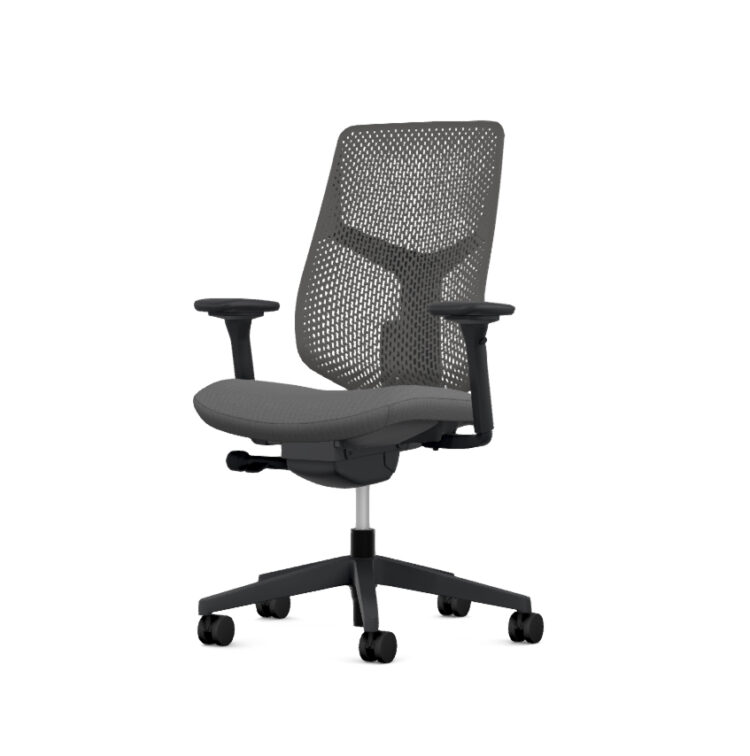
The Herman Miller Verus Chair is designed to deliver dependable ergonomic support in a streamlined, versatile form. This buying guide helps you understand the key choices available, how to adjust your chair correctly, and how to get the most from your Verus over time.
Whether you’re setting up a home workspace or furnishing a larger office, this guide will help you configure a Verus Chair that suits your needs with confidence.
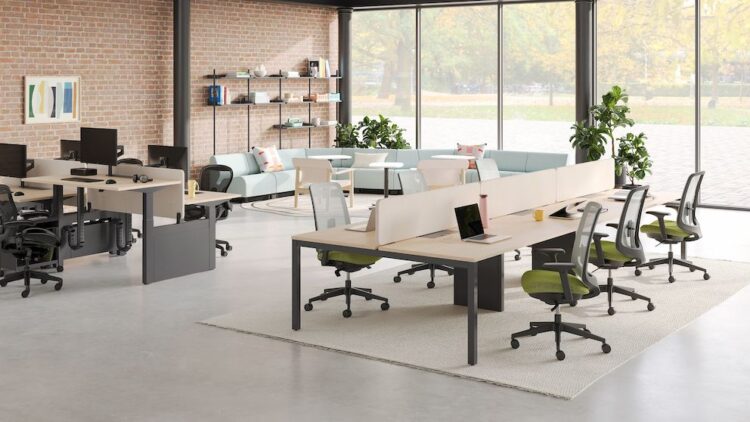
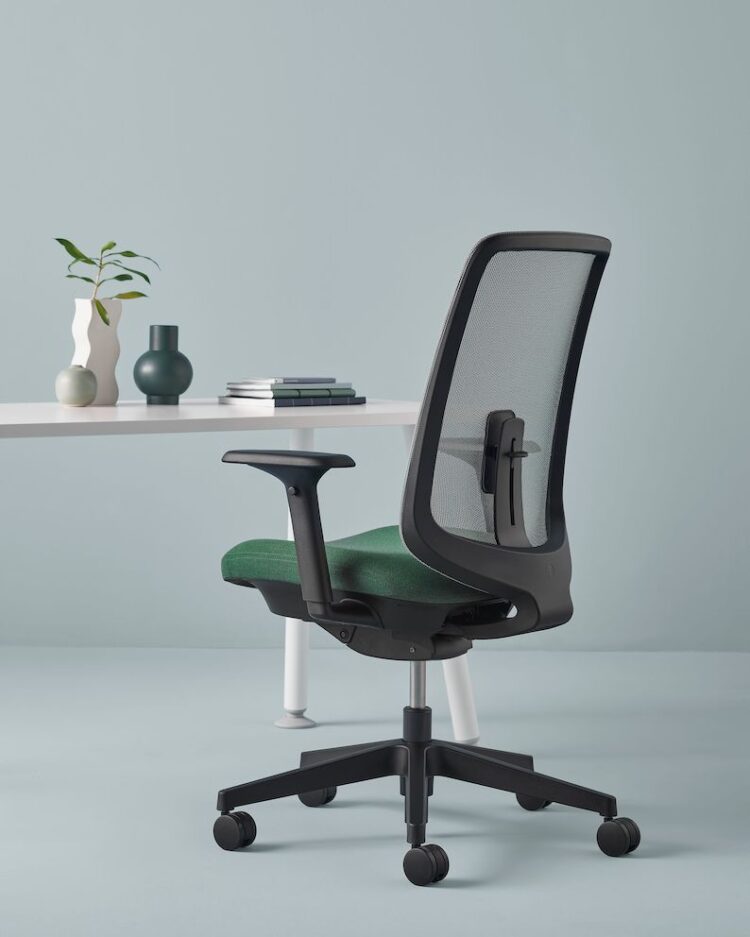
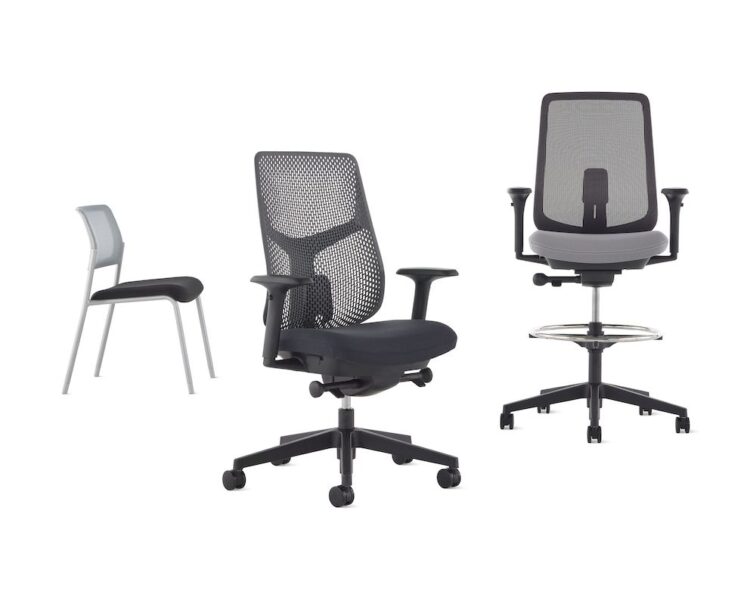
Verus offers a choice of back configurations to suit different sitting preferences. Whether you prefer a more flexible, breathable feel or a firmer, supportive structure, each option is designed to promote healthy posture throughout the day without overcomplicating the chair.
Movement is essential for long-term comfort. Verus supports natural recline and controlled movement, helping reduce static sitting while keeping you properly supported as you lean, reach, or change position during the day.
Arm options range from minimal to fully adjustable, allowing you to choose the level of support that best matches your workstation and typing habits. Proper arm positioning helps reduce strain on the shoulders, neck, and upper back.
Seat adjustments allow Verus to adapt to different body types and desk heights. Fine-tuning the seat position helps maintain even weight distribution and encourages a balanced, comfortable sitting posture over extended periods.
Adjust the seat height so your feet rest flat on the floor, and your knees are level with, or slightly lower than, your hips. This creates a stable base and helps reduce pressure on your legs during extended sitting.
Set the lumbar or PostureFit support to follow the natural curve of your lower spine. Proper positioning encourages an upright posture and provides consistent lower-back support without forcing you into a fixed position.
Use the tilt controls to match the chair’s resistance to your body weight. The right tension allows you to recline smoothly while staying supported, promoting regular movement throughout the day.
Adjust the arms so your elbows sit comfortably by your sides, ideally at around a 90-degree angle. Correct arm positioning helps relieve strain on the shoulders, neck, and wrists while working.
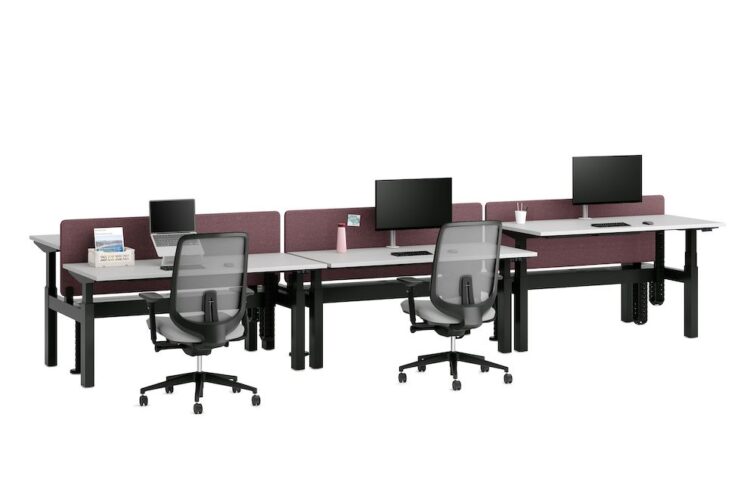
Regular light cleaning helps keep your Verus Chair looking and performing its best. Wipe down the frame, arms, and base with a soft cloth to remove dust and everyday marks, and check moving parts to ensure adjustments continue to operate smoothly.
For spills or marks on the seat or back, spot-clean using a soft, damp cloth and a mild cleaning solution. Avoid harsh chemicals or abrasive materials, as these can damage finishes and textiles. Prompt attention to small marks helps maintain the chair’s appearance and longevity.
The Herman Miller Verus Chair is backed by a comprehensive manufacturer’s warranty, providing peace of mind and long-term assurance. This warranty reflects Herman Miller’s commitment to quality, durability, and responsible design.
When you buy from Office Chairs UK, you also benefit from expert product knowledge and ongoing customer support. From pre-purchase advice to after-sales assistance, our team is on hand to help you get the most from your Verus Chair throughout its lifespan.
In stock
New In

Made to order
New In
Herman Miller Setu Mineral Office Chair
£627.90 inc. VAT
In stock

In stock
New In
Made to order
New In

With Code TEN
+ FREE DELIVERY!
